How to audit which apps can see your personal data
Find which apps can reach your accounts, judge each permission by its risk, and revoke the ones you no longer need or trust.
Most of us have dozens of apps signed in with a Google, Apple or Microsoft account, and each one holds a permission we granted years ago and forgot. An audit takes about twenty minutes and usually ends with several apps removed.
Find the list of connected apps
Every major account provider keeps a page of apps and services with access to your account. On a Google account it sits in the security settings, on an Apple account in the Apple ID section, and on a Microsoft account under privacy. Sign in, and you will see a list you probably do not remember creating.
Sort by risk, not by count
- Full mailbox or file access: treat as high risk, because it can read everything.
- Contacts and location: useful for some apps, but rarely needed all the time.
- Sign-in only: usually harmless, and often worth keeping.
- Unknown publisher: remove it unless you have a clear reason to keep it.
Clean up permissions on the phone
Open your phone settings and check which apps can use the camera, microphone, location and notifications. Revoke anything that does not need them. Set location access to while using the app rather than always, where the option exists. Delete accounts you no longer use instead of leaving them dormant.
Make this a habit, not a one-off
Put a reminder in your calendar twice a year. Use strong, unique passwords, and turn on two-step verification for the accounts that matter most, such as email and banking. cisa.gov publishes plain-language guidance on account security and multi-factor authentication.
If an app you still need asks for access that seems excessive, look for a narrower option in its settings first. If there is none, ask yourself what you would lose by deleting it.
Check browser extensions and shared devices
Browser extensions can read the pages you visit, so review them the same way as phone apps and remove anything you no longer use. On a shared computer or a family device, sign out of accounts you are finished with. Also check the payment details saved in your browser and delete cards you do not want stored.
The bottom line: open the connected-apps page, revoke anything you do not recognise or need, and repeat the check every few months.
More in Tech
How to use public Wi-Fi without giving your data away
Most public hotspots are usable if you pick the right network and check a few things after joining. Here is what to look for before you log in.
How to wipe a device before you sell or recycle it
Deleting a file does not erase it. Here is the order of steps that clears an old phone, laptop or drive before you sell, donate or recycle it.
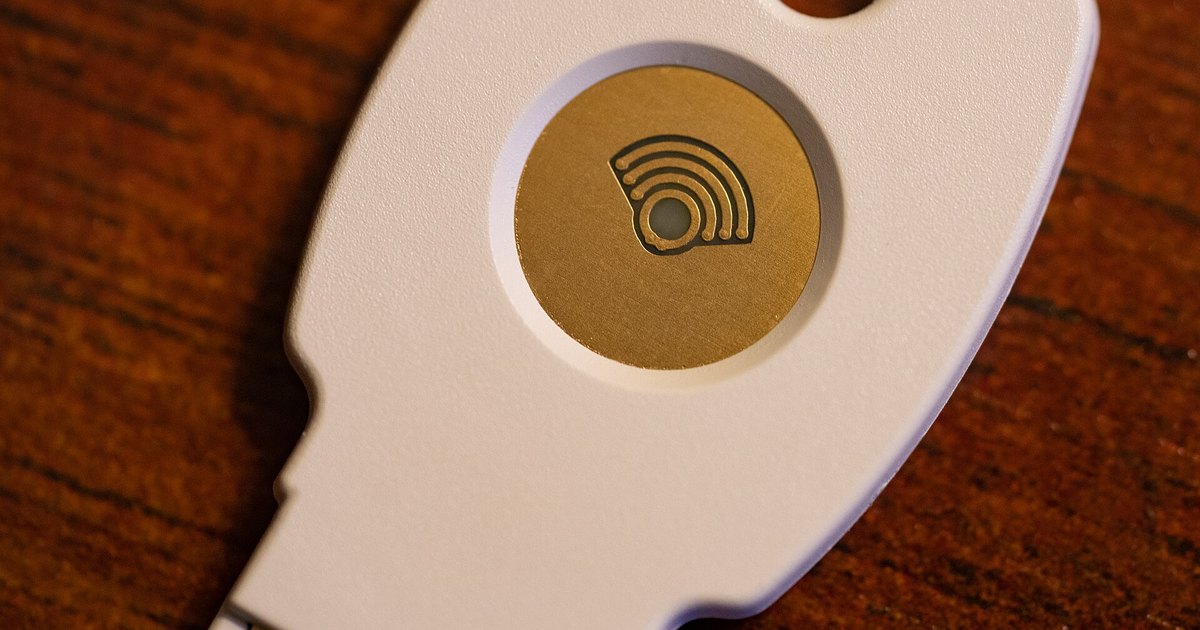 Photo: Wikimedia Commons (CC BY 2.0)
How passkeys change the way you sign in to accounts
Passkeys sign you in with a key held on your own device, unlocked by fingerprint, face or PIN. Here is how they work and what to check before you switch.