How to spot a phishing message before you click
Phishing arrives by email, text or call dressed as a trusted sender. Learn the red flags, the safe way to check a message, and how to report it.
Phishing is any message that tries to get you to open a harmful link, hand over personal details or run an attachment that infects your device. It arrives by email, text, social media direct message or phone call, and it is usually dressed up to look like it came from someone you trust. CISA, the US cyber security agency, describes phishing as criminals using exactly those channels to request personal information or infect devices. Beating it takes a short checklist plus the habit of slowing down.
Know what the message wants
A phishing message only works if you take one action: click, call, download or reply. That is why it is built around pressure rather than information. The sender needs you to act before you think, so almost every scam carries a reason to hurry.
The red flags worth memorising
- Urgent or emotionally charged language, especially a claim that something bad happens if you do not respond right away.
- A request to send personal or financial information.
- Shortened or untrusted links you cannot inspect before clicking.
- Slightly wrong addresses or domains, such as a misspelled brand name used to mimic the real one.
Those four signs are the ones CISA highlights in its own guidance. If you see more than one, treat the message as hostile.
What to do instead of clicking
Do not use the link, the phone number or the reply address that came with the message. Contact the organisation another way: search for its website yourself or type the address you already know, then use the details listed there. If a colleague or friend appears to have written to you, check with them on a channel the message did not come through. The message can wait; the risk cannot be undone.
Report it, then delete it
Most mail and messaging apps place a report option near the sender address. Reporting takes seconds and helps filter similar mail for everyone. The UK's National Cyber Security Centre notes that reporting a scam is free, takes about a minute, and can reduce the amount of scam traffic you receive. Delete the message afterwards rather than leaving it in your inbox as a reference.
Cut the amount of bait you get
Criminals build believable messages from details that are already public about you, including social media posts. Tightening your privacy settings removes some of that material. Where a service offers it, turn on two-step verification for email and finance accounts, because a stolen password alone is then not enough. cisa.gov and ncsc.gov.uk both publish plain-language guides you can send to family members who ask about a suspicious message.
Assume any unexpected message that wants a click is hostile until you have confirmed it through a channel you chose yourself. That single rule defeats most phishing.
More in Tech
How to use public Wi-Fi without giving your data away
Most public hotspots are usable if you pick the right network and check a few things after joining. Here is what to look for before you log in.
How to wipe a device before you sell or recycle it
Deleting a file does not erase it. Here is the order of steps that clears an old phone, laptop or drive before you sell, donate or recycle it.
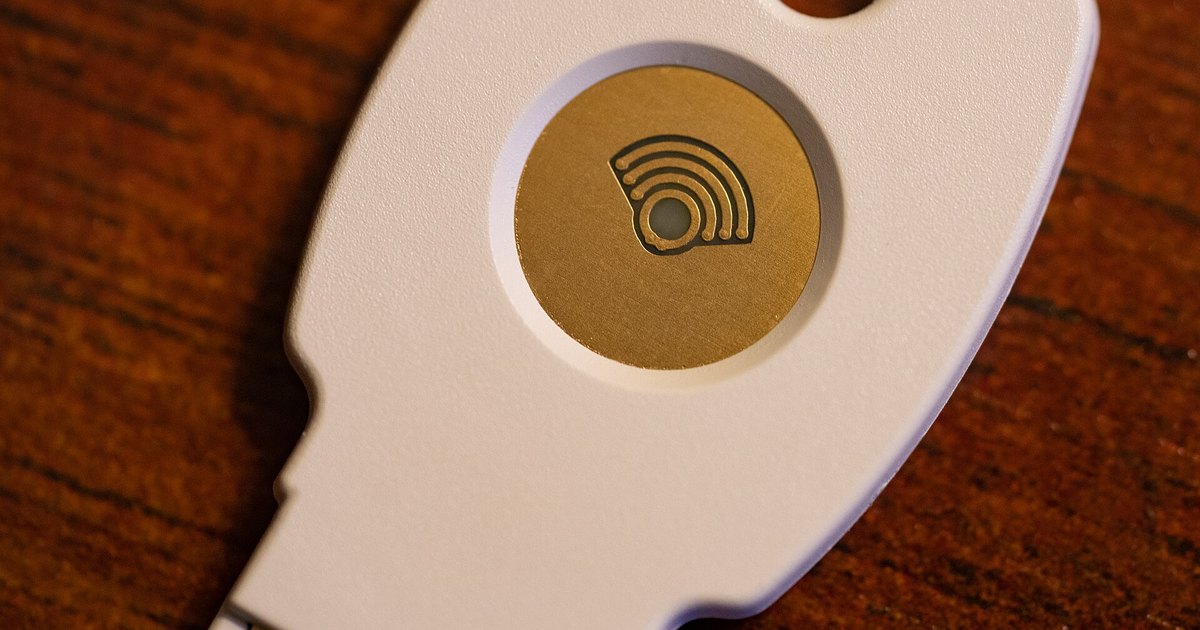 Photo: Wikimedia Commons (CC BY 2.0)
How passkeys change the way you sign in to accounts
Passkeys sign you in with a key held on your own device, unlocked by fingerprint, face or PIN. Here is how they work and what to check before you switch.