How passkeys change the way you sign in to accounts
Passkeys sign you in with a key held on your own device, unlocked by fingerprint, face or PIN. Here is how they work and what to check before you switch.
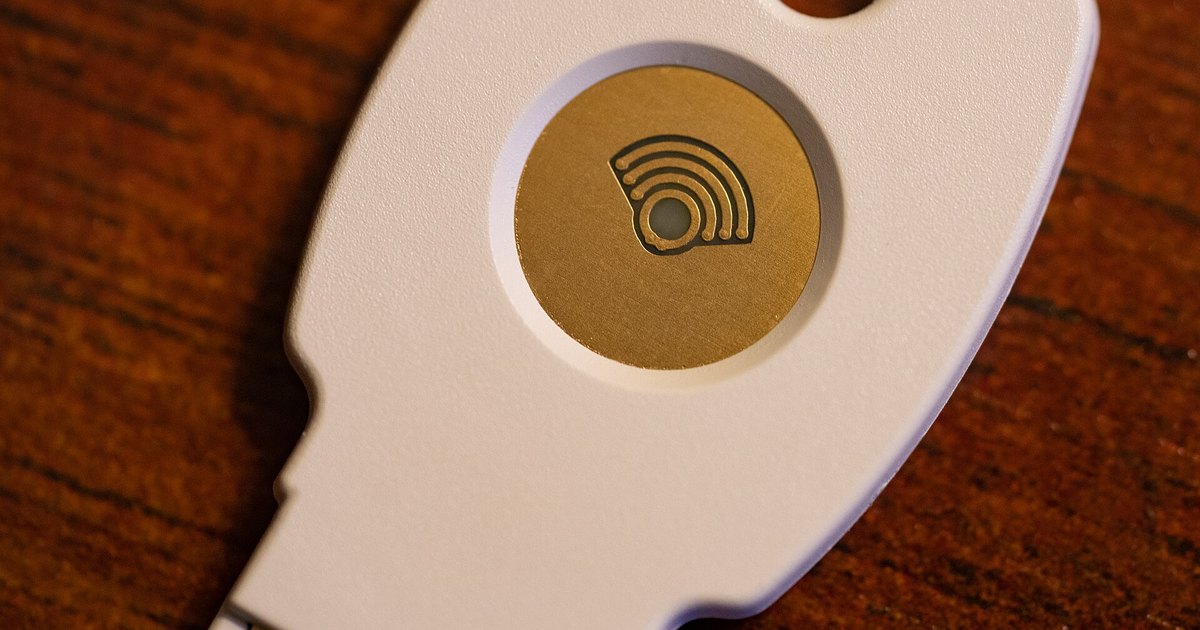 Photo: Wikimedia Commons (CC BY 2.0)
A passkey replaces the password you type with a key that stays on a device you already own and unlocks with your fingerprint, face or screen PIN. The service you sign in to never receives a secret you could hand over by mistake, which is what makes passkeys resistant to the fake login pages used in phishing.
What a passkey actually is
When you create a passkey, your device generates a matched pair of cryptographic keys. The private key stays on the device and the service keeps only the public key. Signing in means the device proves it holds the private key, after you unlock it with a fingerprint, a face scan or a PIN. Nothing is typed, so there is no code for a fake page to capture. support.google.com puts it plainly: unlike passwords, passkeys cannot be shared, copied or written down. The same page notes that the fingerprint and face data stay on the device.
What has changed about password advice
Advice on passwords has moved in the same direction. The digital identity guidelines from NIST, the US standards body, at pages.nist.gov require a password used on its own to be at least 15 characters long. They no longer allow services to insist on mixtures of upper case letters, digits and symbols, or to force a change every few months. Instead, a new password must be checked against a blocklist of known, commonly used and previously breached values. In practice, length and uniqueness matter more than one symbol in the middle of a familiar word.
What to check before you switch
Passkeys need support at both ends and a screen lock on the device. Google's published requirements cover computers running Windows 10 or later and macOS Ventura, phones on Android 9, iOS 16 and up, and browsers from Chrome 109, Safari 16, Edge 109 and Firefox 122 onwards. Some services will not let you create or use a passkey in a private browsing window.
- Set the passkey up on more than one device, so a lost or replaced phone is not a locked door.
- Keep your account recovery details current before you depend on them.
- Do not remove the password on a critical account until the passkey has worked more than once, including from a second device.
Why password managers still matter
Most accounts still take passwords, and that is where a password manager earns its place. cisa.gov recommends managers for generating, storing and filling long random passwords that are unique to each site, so only the manager's own passphrase has to be remembered, and it advises turning on multi-factor authentication for email, social media and financial accounts in particular. Managers also hold the recovery codes that a passkey on its own will not give you.
Switching to passkeys carries little risk while a password and a second factor stay in place. Start with one account that matters, confirm you can sign in from a second device, and move the rest over as each service adds support.